

AI on your
servers.
We deploy and maintain your company’s AI on your own servers, from the GPU to the agent.
From the GPU
to the agent.
Start with any piece: a model you want to serve, a process for an agent or a server you are about to buy. Whatever is missing underneath, we build. If you are still deciding, we have guides on vLLM and Ollama and on local MCP servers.
What AI
looks like in-house.
Six layers, all yours. Change one without touching the rest: Llama today, Qwen tomorrow.
AI under the rules
of critical infrastructure.
We come from critical systems: IBM Power, Ceph, Linux in production. We ask the same of AI: that it runs in-house, keeps a record and that someone answers when it fails.
Hardware
for your AI projects.
Supermicro and Lenovo servers configured to train and serve models in your data centre. We install them for you, with the AI stack up and running. The calculations for choosing one are in our guide AI server: how to choose one. If you are looking at the RTX PRO 6000, here are its versions and which servers take it.
 SYS-822GS-NB3RT-01-G2HGX B300 8-GPU · 2 TB
Supermicro
 SYS-422GA-NRT-02-G28x RTX PRO 6000 · 1.5 TB
Supermicro
 ARS-511GD-NB-LCC-01-G2Grace + B300 · 748 GB
Lenovo
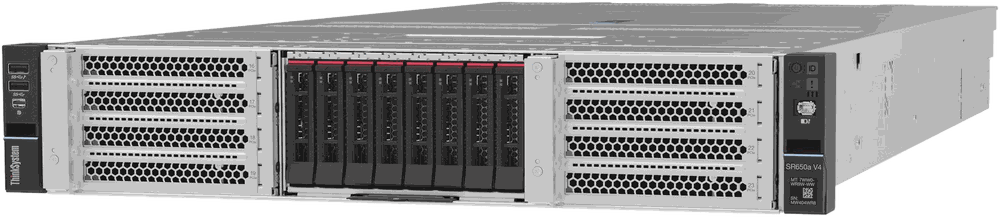 ThinkSystem SR650a V4Up to 4 RTX PRO 6000 · Intel Xeon 6
Lenovo
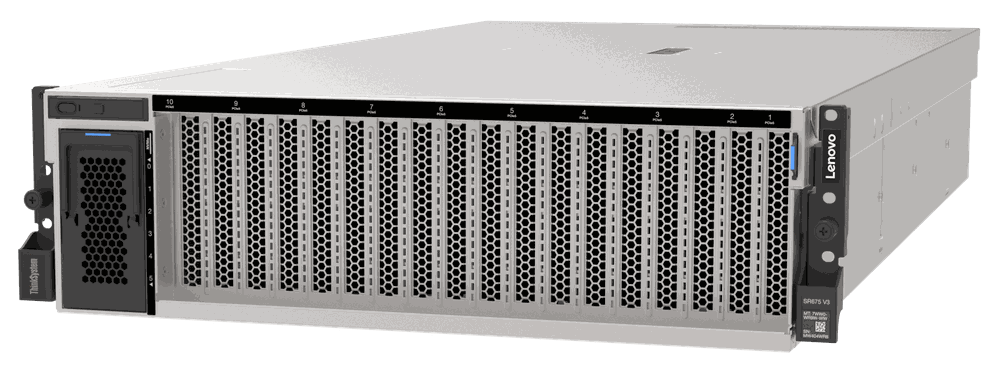 ThinkSystem SR675 V3Up to 8 PCIe GPUs · AMD EPYC
Lenovo
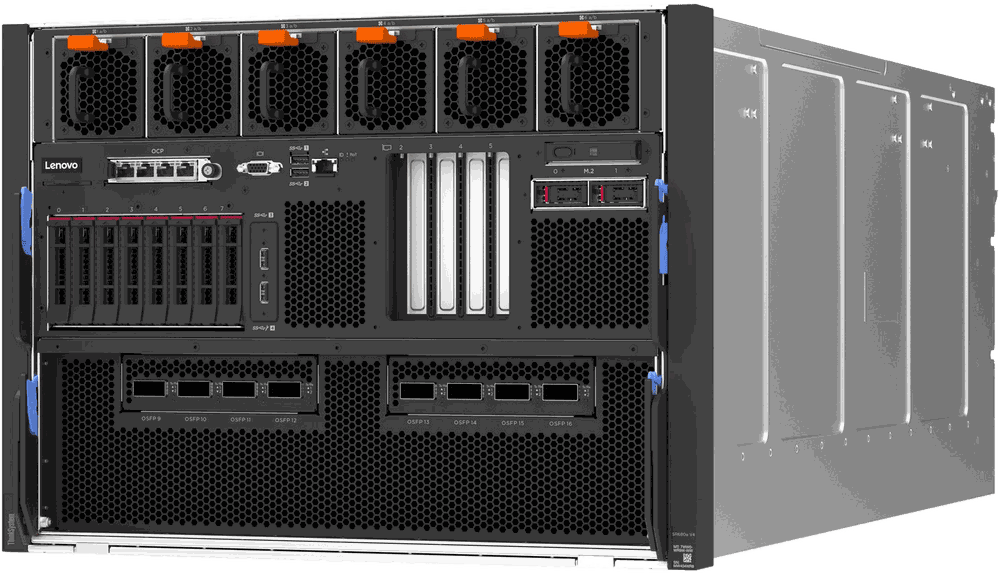 ThinkSystem SR680a V4NVIDIA HGX B300 · 8 GPUs
Services
that connect with AI.
Let’s talk.
Mon–Fri 8:30–16:30 GMT+1.
Urgent support 24/7.
Tell us what you want the AI to do, with which data and on which servers, if you already have them. An engineer will reply with a proposal: what to build, in what order and who looks after each part.