

GPU memory calculator for AI models
Before you ask for a GPU quote, there is one thing to know: whether the model fits.
Pick the model, how many people will talk to it at once and how long their conversations are, and the calculator tells you how many gigabytes you need and which cards they fit on.
How it works it out
First come the weights. Each parameter takes two bytes at 16-bit, one at 8-bit and half a byte at 4-bit, so Llama 3.3 70B at 8-bit eats about 70 GB before it has answered anyone. The gpt-oss models are published at 4-bit and are counted as they are: 14 GB for the small one and 65 GB for the big one. DeepSeek-V3 and R1 are published at 8-bit: 671 billion parameters, close to 700 GB.
Then comes the KV cache, which is what the model has already read in each conversation. It stays in GPU memory so it does not have to be reread for every token, and its size depends on how the model is built: two (keys and values) times layers, times KV heads, times head dimension, times two bytes. With Llama 3.3 70B that comes to 0.33 MB per token, so an 8,000-token conversation takes 2.6 GB. Ten at once is 26 GB, more than the whole of Mistral Small at 8-bit. Stored at 8-bit, the cache takes half.
Not every model spends the same. The gpt-oss models keep long context in only half of their layers, because the rest look at the last 128 tokens. DeepSeek compresses its cache down to 576 values per token and layer. That is why, at the same size, they need far less memory per conversation.
A 10% margin is added for the serving software itself, and only 90% of each card’s memory is counted, so nothing runs at the limit. The model is split across 1, 2, 4 or 8 cards, the usual splits in vLLM.
What it does not tell you
A model that fits is not necessarily a model that flies. Tokens per second depend on the card’s memory bandwidth and on how many people ask at once: a model that just squeezes into an L40S can crawl with fifty people on it. Measure it with your own workload before you buy. Nor does it cover the power and heat your data centre has to handle; that is in the guide AI server: how to choose it.
Checklist before you buy
The questions about the model, the people using it, the machine, the data centre and the software, on a sheet you can print.
Keep reading
-
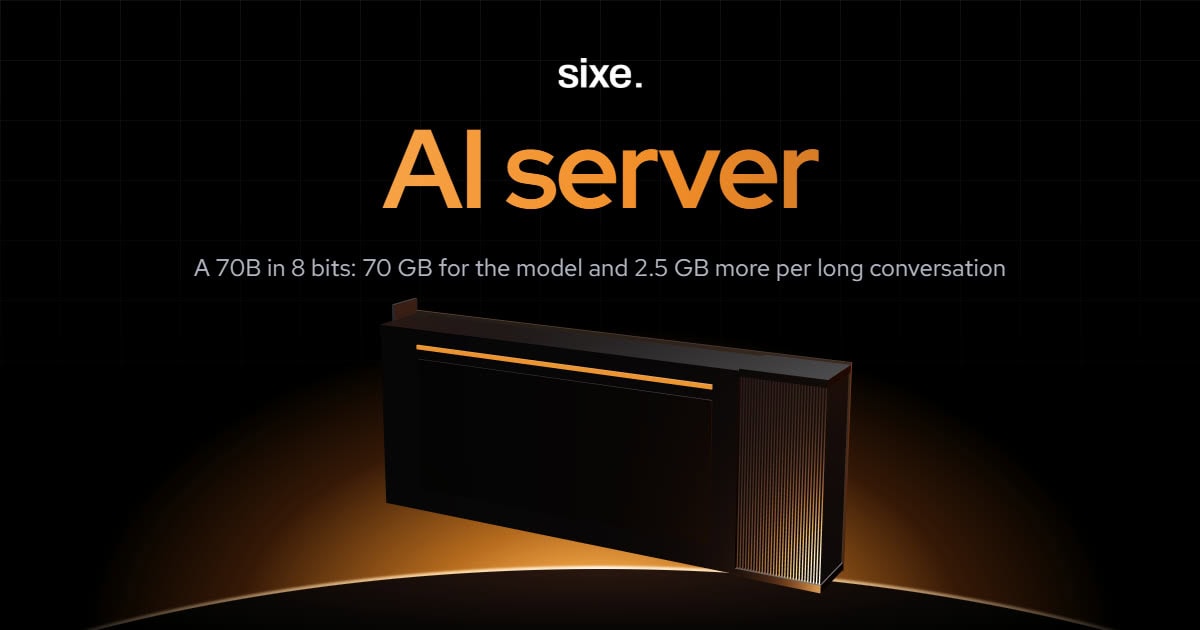
AI server: how to choose one for your model, your users and your data centre
How to choose an on-premise AI server: how much GPU memory each model needs, how many people it can serve at once and what power your data centre needs.
-
vLLM vs Ollama: which to choose depending on how many people use it at once
vLLM vs Ollama: which to choose depending on how many people use the model at once, what happens under load and what changes when you migrate.
-
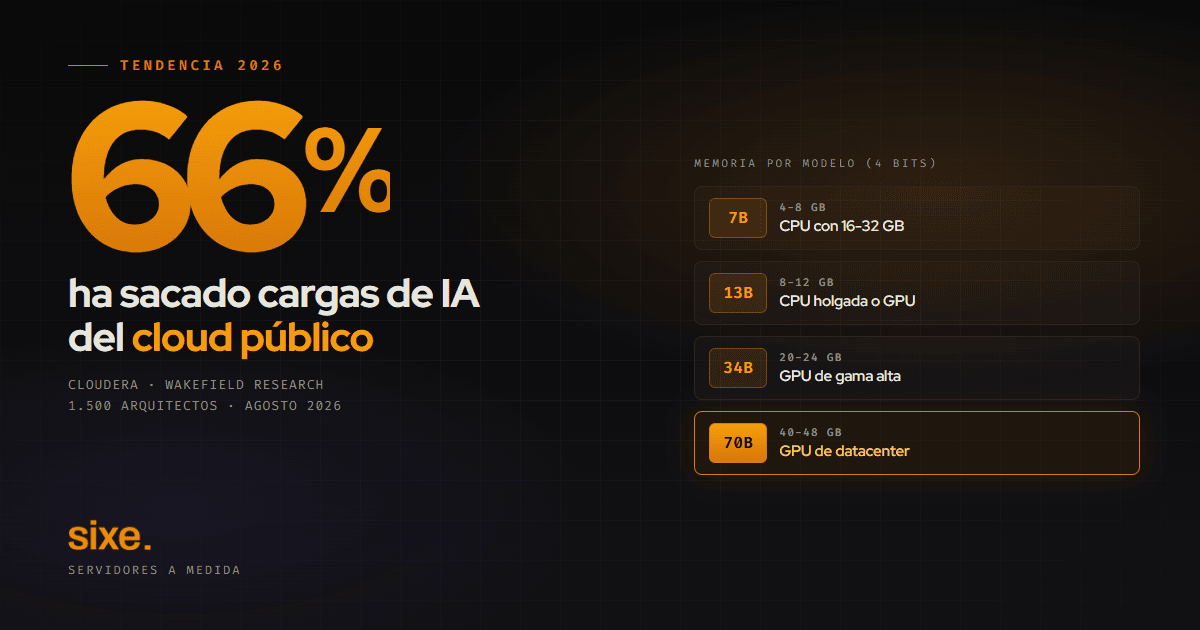
Local LLMs: Why Companies Build Their Own AI Servers
Two in three companies moved AI off the public cloud this year. What drives it, what hardware it takes and the memory each model needs.
Need a hand with this?
Tell us what you run today and we will tell you how we would approach it.
Contact us